You cannot "wing" the K53 test. The procedures are too specific. The more you practice, the more the strict K53 rules transform from "annoying steps" into "automatic safety habits."
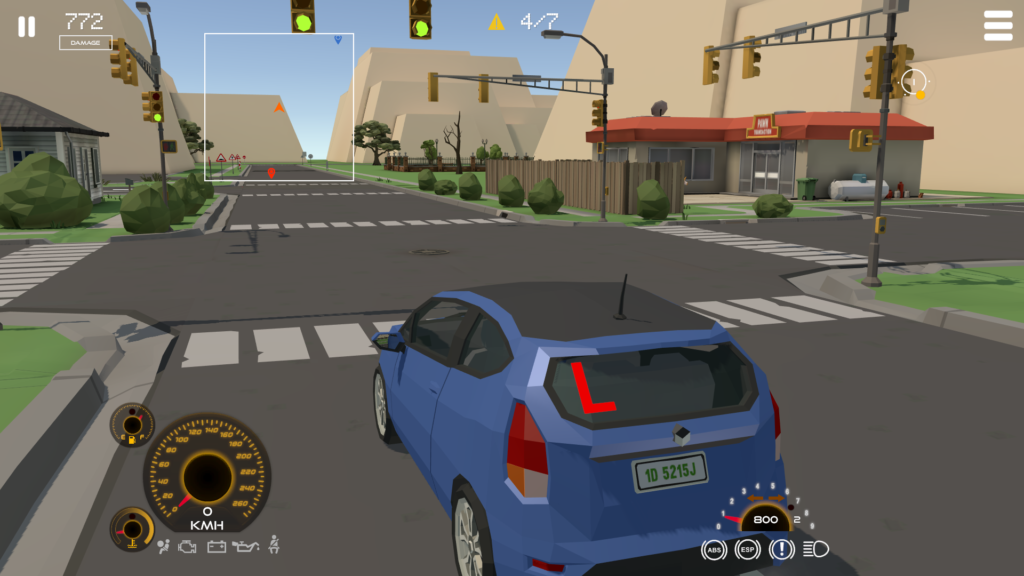
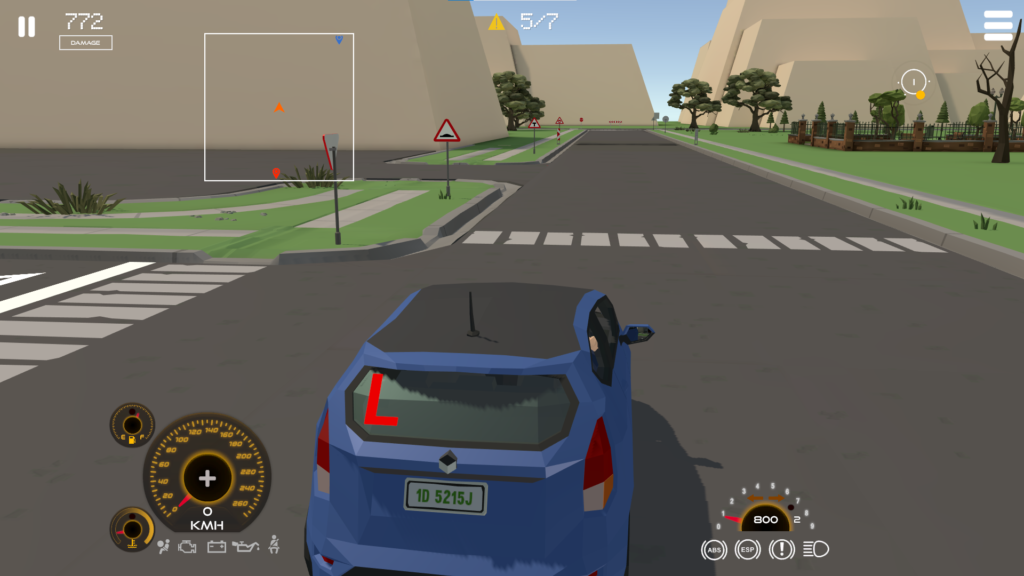
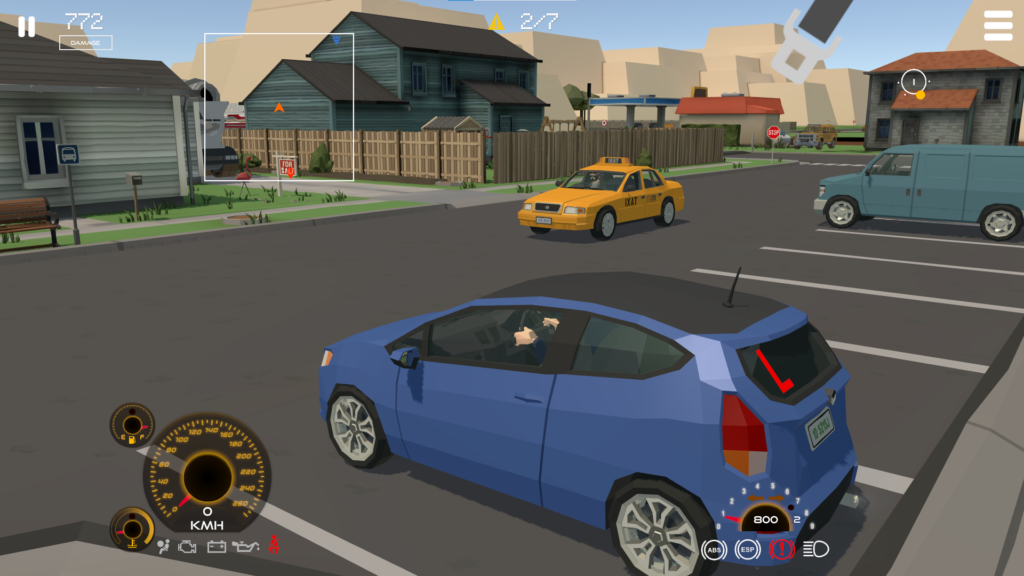
Experience realistic South African K53 driving with K53 Simulator. Our accurate vehicle simulation, developed with attention to real-life driving behaviours, helps learner drivers effectively practice for their driving test.
South African Signs & Road Markings
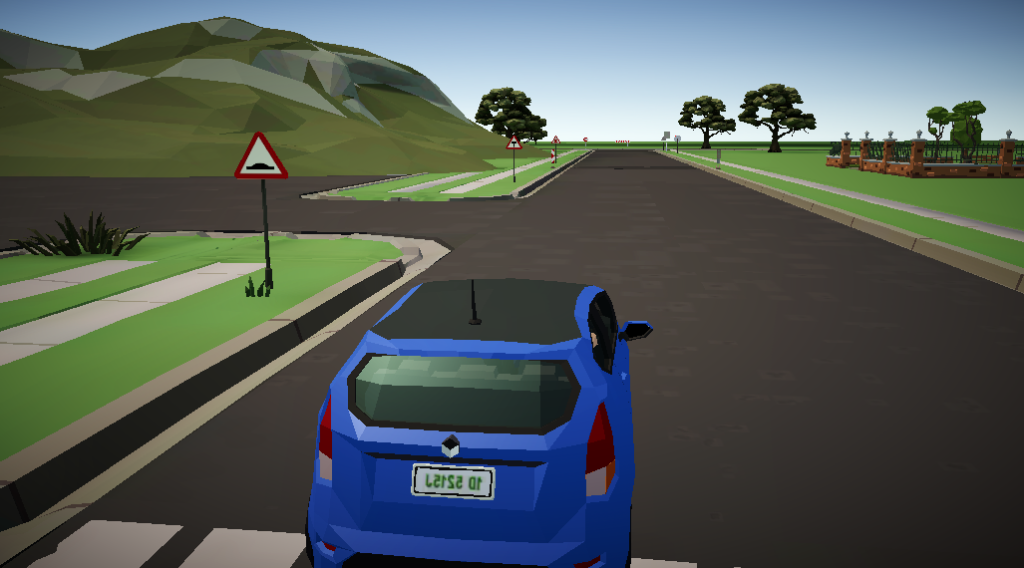
Prepare for your South African K53 driving test with our Simulator, which attempts to accurately recreates road layouts featuring the correct road signs and road markings used in South Africa.
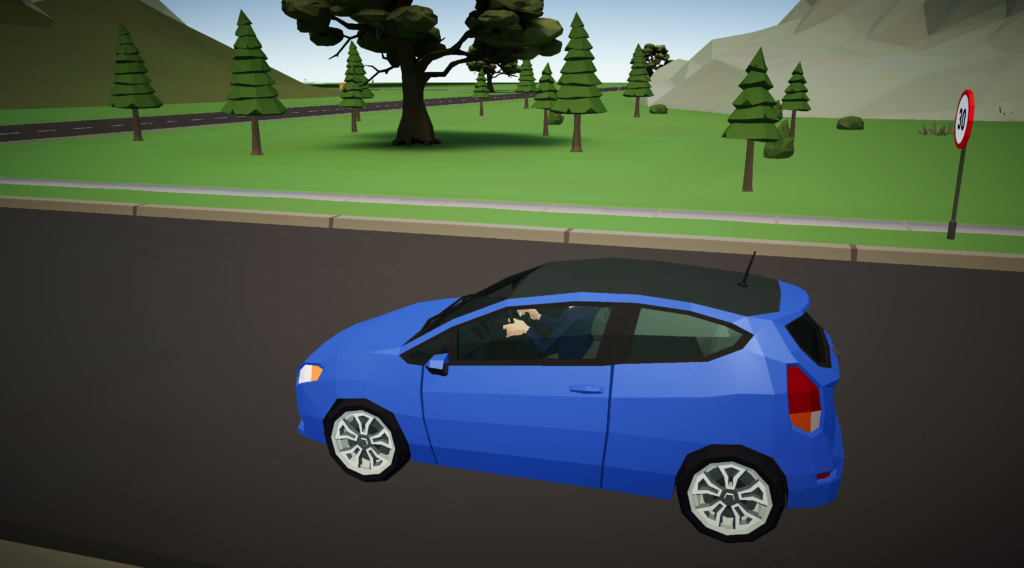
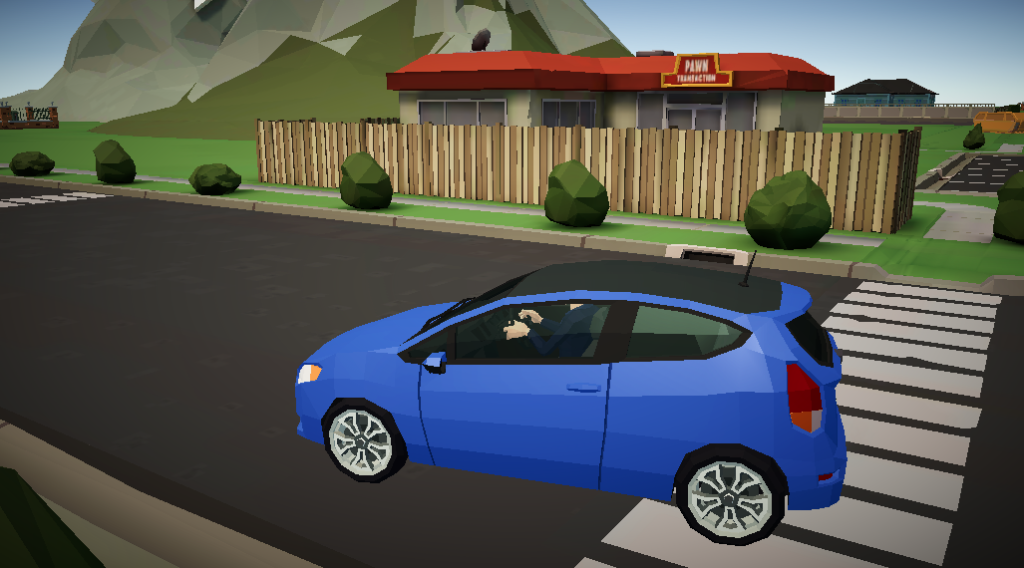
Quality Polygon Style Map & Vehicles
The Simulator’s game map or elements, vehicles and people are developed by an established game asset studio from New Zealand.
K53 Simulator is being designed to be accessible to everyone, from individual learners practicing at home to professional driving schools seeking advanced training tools. Our platform supports a wide range of hardware, allowing you to choose the setup that best fits your budget and learning objectives.
Practice at Your Pace, On Your Device
Accessible & Affordable Home Practice
No expensive gear needed to start mastering K53 manoeuvres. Your K53 Simulator app turns your everyday devices into powerful training tools. Practice road rules, observations, and basic controls anytime, anywhere.
Phone/Tablet: Practice on the go.
Computer & Keyboard/Gamepad: Enhance control with familiar gaming accessories.
Entry-Level Steering Wheels: Get a feel for real driving without breaking the bank
K53 Simulator grows with you. See how our platform integrates seamlessly with various hardware configurations, offering increasingly realistic and immersive training experiences.
Offer cutting-edge, realistic K53 training without the risks and costs of on-road lessons. Our simulator solutions provide a safe, repeatable environment for students to master critical skills like parallel parking, three-point turns, and observation techniques before they even touch a real car.
Reduce Vehicle Wear & Tear: Less clutch abuse, fewer minor dents.
Safer Learning Environment: Practice complex maneuvers without risk.
Repeatable Scenarios: Consistent training every time.
Attract Tech-Savvy Students: Modernize your offering.
Scalable Solutions: From a single rig to a full simulation lab.
A comprehensive set of two 64-questions long mock exams – covering Rules of the Road, Road Signs, and Vehicle Controls in the official K53 format, aimed at helping you pass your South African Learner’s License exam the first time
Date: December 4, 2025 We are pleased to announce that K53 Simulator has officially been registered with the Companies and Intellectual Property Commission (CIPC). This step marks a significant milestone in our commitment to providing Read more…
We are excited to announce a new compatibility update for the K53 Simulator. Our software is being adapted to work as a beginner-friendly training option for the GTAT-5001 and GTAT-5002 driving simulator hardware (produced by Read more…
We are writing to let you know about a temporary issue affecting the K53 Simulator on the Microsoft Store. A system glitch on Microsoft’s end is currently preventing us from publishing new updates and bug Read more…
Contact details
You may contact me directly using the below details
1. Enhanced Practice and Repetition The core value of the simulator is the ability to practice K53 procedures repeatedly without the limitations of a real car. Instructors can explain a maneuver—like the parallel park or three-point turn—and then the student can immediately go on the simulator to practice it dozens of times. This helps a student build muscle memory and confidence before they get behind the wheel, which saves both the student’s time and the instructor’s.
2. Focus on Mental and Procedural Fidelity While a real car truly provides a tactile experience, the simulator excels at reinforcing the K53’s procedural and mental aspects. The instructor can use the simulator to:
Drill the K53 observation sequences: Students can practice the “mirror-signal-blind spot” sequence until it becomes second nature, reducing errors during the actual test.
Reinforce rules of the road: The simulator can test a student’s knowledge of road signs, markings, and traffic light sequences in a dynamic, risk-free environment.
Practice defensive driving: Instructors can set up scenarios that teach students how to anticipate hazards, manage following distances, and react appropriately to unexpected events—all without the danger of a real-world mistake.
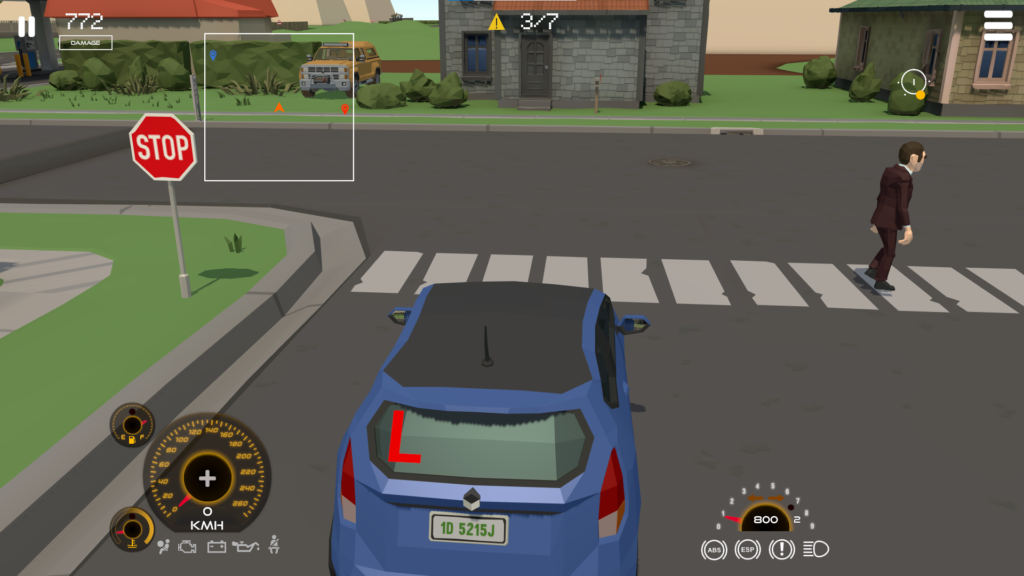
Your task is to drive from randomly picked starting points to randomly picked destinations, following the K53 Driving Manual.
Key:
The destination marker: This is where you ever drive to except for when your vehicle needs repairs.
The fuel/filling station marker: You can refill fuel when low. Turn off the engine first.
The auto-repairs marker: You cannot complete a drive test if your vehicle is showing a dashboard warning light. You need to have it serviced here first.
Already implemented K53 Driving Rules
Keep left and pass right
Indicate your intention to turn or enter the public road
Put on the safety belt when driving forward on the public road
Indicate to overtake (as well as returning to your lane)
Crossing a mini circle intersection
Crossing a four ways stop intersection
Crossing a 3 ways stop intersection
Crossing a level crossing
Crossing traffic lights controlled intersection
Braking and down shifting sequence before turning
Vehicle positioning before turning
Vehicle positioning (follow your path) when turning at an intersection
Crossing a yield intersection
Rear mirror, side mirror and blind spot (3 point observation) before indicating
Left blind spot, mirrors and right blind spot (5 point or 360 degrees observation) before taking of from a standstill.
Incline ‘Uncontrolled rollback’
Ensuring Neutral or Park is selected before starting a vehicle
Applying the parking brake when stationary for any amount of time
Unjustified coasting of the clutch
Turning off the engine before refilling fuel
Ensuring the signal/indicator is cancelled after a turn is completed
Yielding to oncoming traffic before turning right
Yard Test Mode
You are to get instructions before each manoeuvre starts. Time is allocated – within which you must complete the manoeuvre.
For PC, refer to the Keyboard or Gamepad controls.Kindly contact if you have any question – can be Whatsapp or email.
Use the arrow keys to steer, brake and accelerate
Use key I to turn the engine on and off
Use N to engage the Neutral gear
Use number keys 1 to 5 to engage respective gear (Or left Shift/Ctrl to shift up and down)