
K53 Simulator on a mobile phone
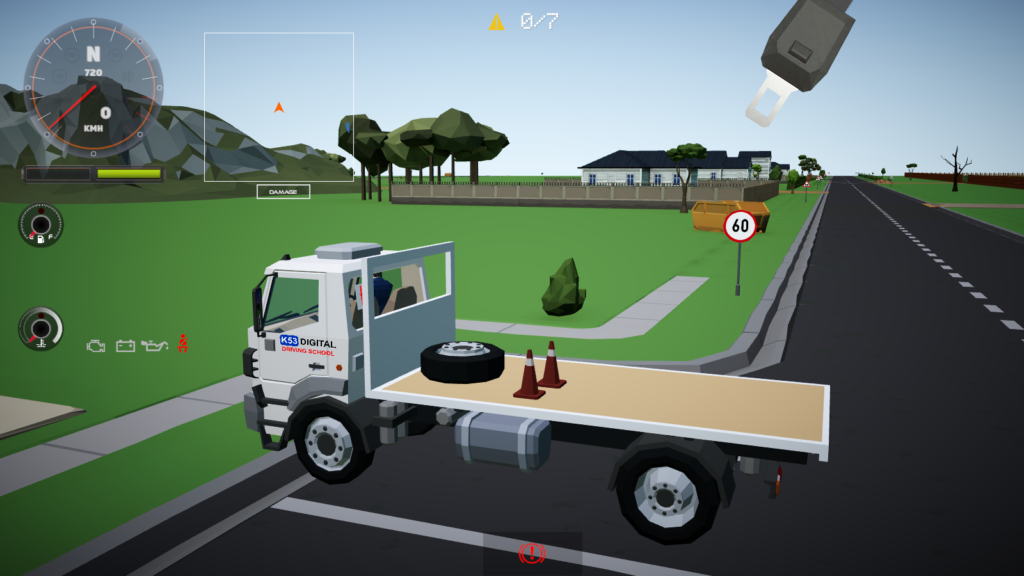
K53 Simulator running on a touchscreen based Android mobile device.
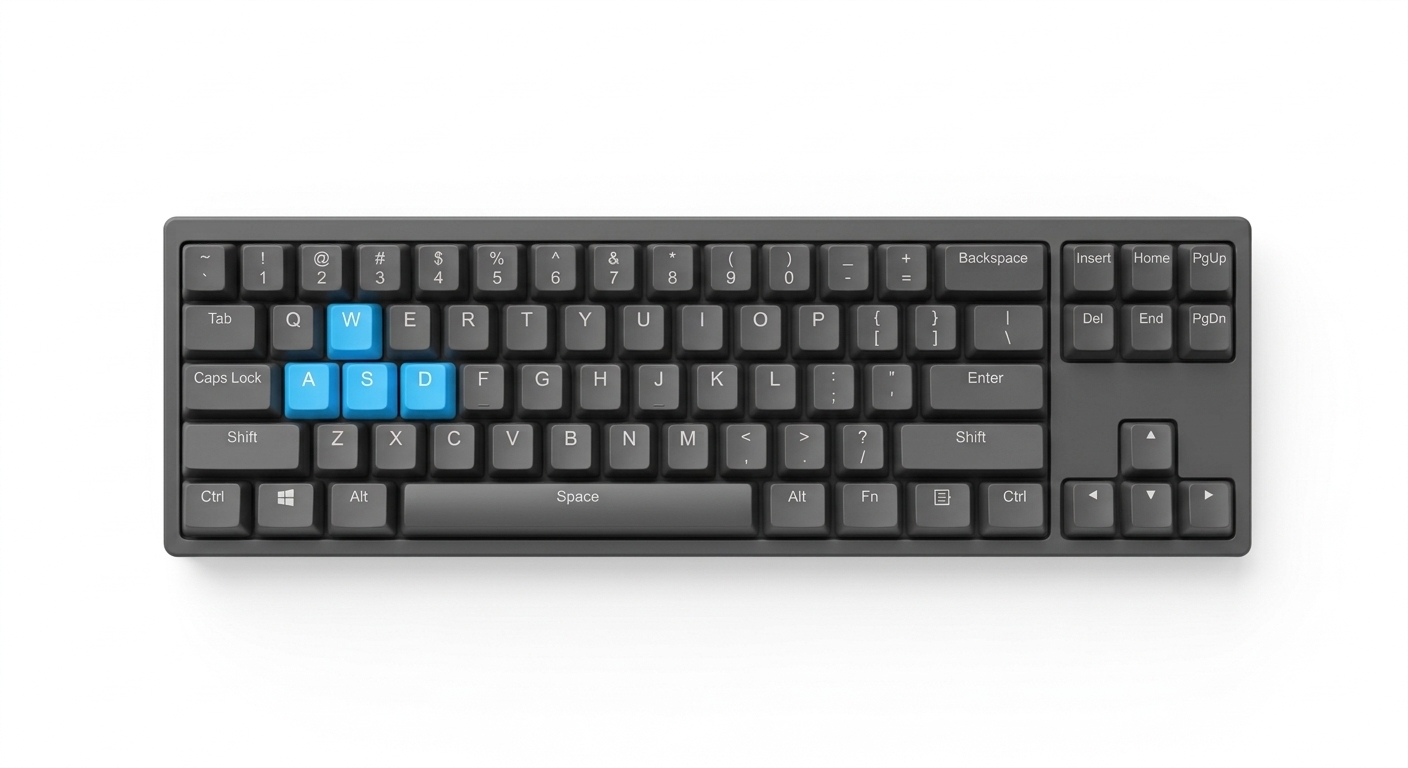
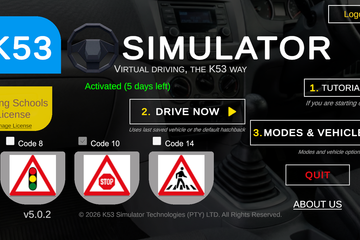
K53 Simulator on a computer with gamepad/joystick
K53 Simulator running on a computer with an optional but very recommended gamepad/Joystick.
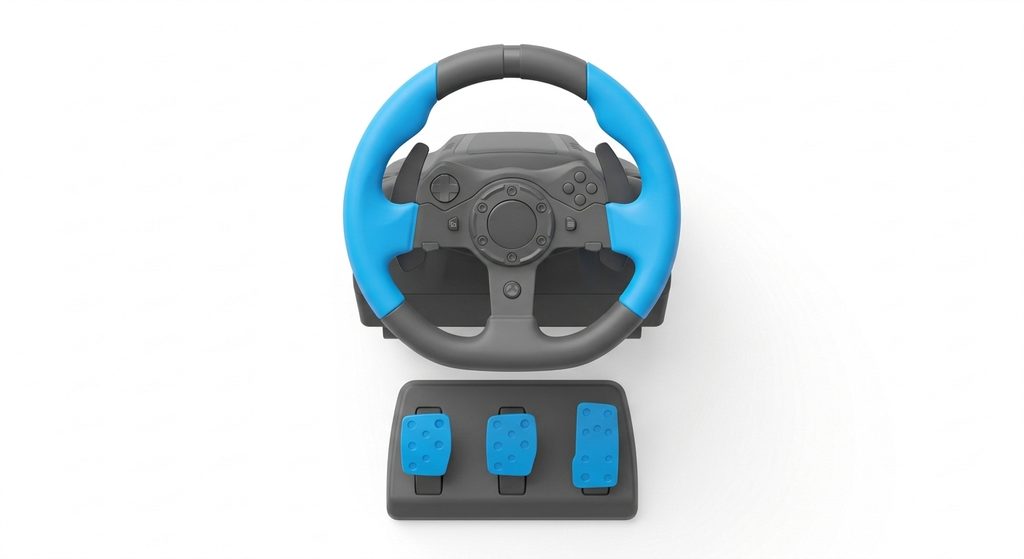
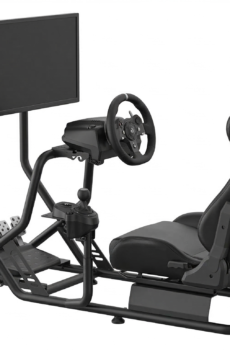
K53 Simulator on a computer with a steering wheel and pedals on a cockpit
K53 Simulator running on a PC with a steering kit, pedals & cockpit

Core Features

Realistic Vehicle Driving Physics

Experience realistic South African K53 driving with K53 Simulator. Our accurate vehicle simulation, developed with attention to real-life driving behaviours, helps learner drivers effectively practice for their driving test.

South African Signs & Road Markings

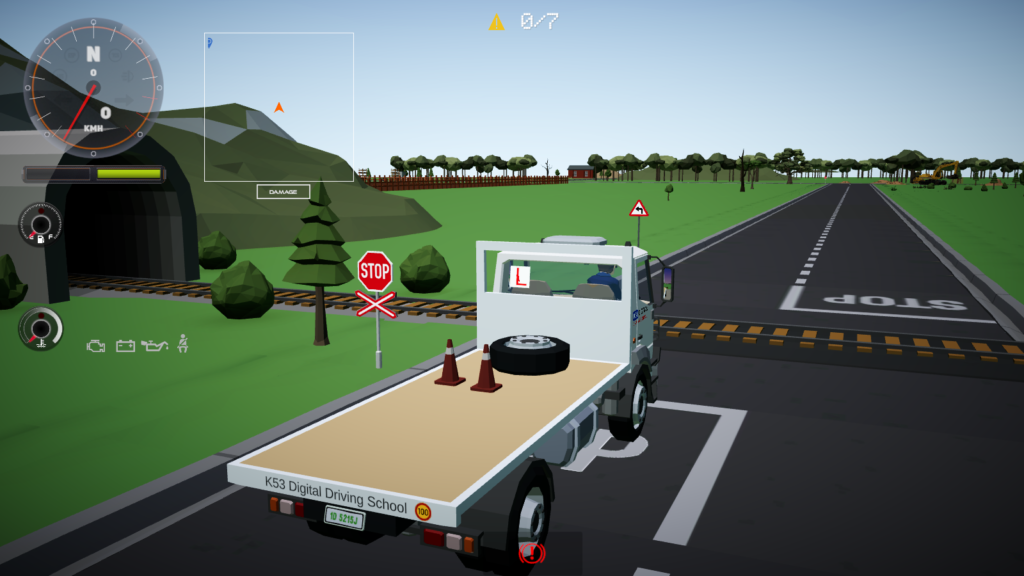
Prepare for your South African K53 driving test with our Simulator, which attempts to accurately recreates road layouts featuring the correct road signs and road markings used in South Africa.

Quality Polygon Style Map & Vehicles

The Simulator’s game map or elements, vehicles and people are developed by an established game asset studio from New Zealand.


Screenshots

Demo video


Supported Platforms

Download the Simulator from the Google Play Store for your Android mobile device. This comes with a 6 hours free trial for premium features. Once you are happy, you upgrade to premium or full version inside the app.

Download the Simulator from the Huawei AppGallery for your Huawei made Android device. I shall see if I can integrate a trial for this version.

You can also purchase the EXE format from our online store (and demo/trial also available here). Ideal for those with both Windows 10+ and older Win computers.

Download the Simulator from the Microsoft Store for Windows 10, Windows 11, etc. This comes with a 1-day free trial

With a PC that has around 1.5GB of available memory & a browser, you could practice online. This comes with a 30 minutes trial.


K53 Simulator: Learn to Drive, in One of Many Ways

Whether on your phone or a dedicated training rig, K53 Simulator labours to adapts to your learning journey and your school’s needs

Unique Flexibility for K53 Training

K53 Simulator is being designed to be accessible to everyone, from individual learners practicing at home to professional driving schools seeking advanced training tools. Our platform supports a wide range of hardware, allowing you to choose the setup that best fits your budget and learning objectives.

Practice at Your Pace, On Your Device

K53 Simulator on a mobile phone

Accessible & Affordable Home Practice

No expensive gear needed to start mastering K53 manoeuvres. Your K53 Simulator app turns your everyday devices into powerful training tools. Practice road rules, observations, and basic controls anytime, anywhere.

  • Phone/Tablet: Practice on the go.
  • Computer & Keyboard/Gamepad: Enhance control with familiar gaming accessories.
  • Entry-Level Steering Wheels: Get a feel for real driving without breaking the bank

Why Training with Hardware Works:

  • Build Muscle Memory: Develop the “push-pull” steering technique and foot coordination before entering a real car.
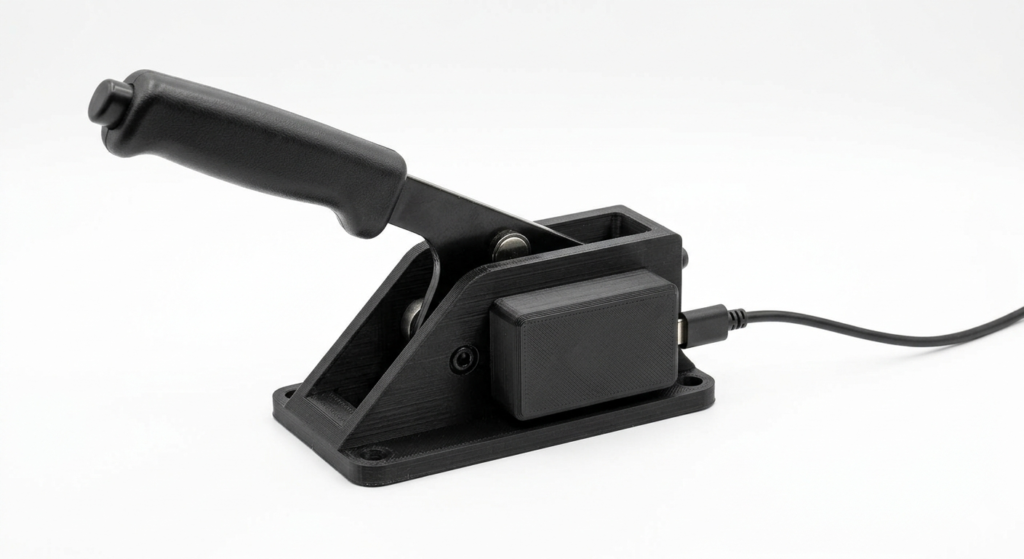
  • Master Clutch Control: Use analogue triggers (gamepad) or pedals to practice the delicate “bite point” needed for yard parking.
  • Unlimited Repetitions: Reset instantly. Practice the Alley Dock 20 times in 30 minutes—impossible in a paid lesson.
  • Mistakes Are Free: Hit a pole or mount a curb without destroying your confidence or paying for damages.
  • Stress-Free Learning: Remove the anxiety of traffic and instructors while you learn the mechanical steps at your own pace.

Why Use The K53 Simulator?

It’s not a game. It’s a practice tool that seeks to judge you like an examiner.

1. Strict K53 Rule Enforcement

The system doesn’t just let you drive; it monitors your inputs against official standards.

  • Instant Penalties: You are immediately notified if you roll back on an incline, cross a yellow line, or fail to stop completely.
  • Observation Checks: The simulator tracks your “head movements.” If you don’t check your blind spots or mirrors before moving off, the system marks it as a fault.
  • Indicator Discipline: It detects if you signal too late, too early, or forget to cancel your signal after a turn.

2. Master The Yard Test Modules

Stop wasting money on driving lessons just to memorise the steps. Practice the exact procedures at home:

  • Alley Docking & Parallel Parking: Learn the reference points and steering inputs without the pressure of an instructor.
  • Incline Start: Practice the delicate balance of clutch and gas to prevent rolling back.
  • Three-Point Turn: Perfect your observation sequence and vehicle positioning.

3. Functional Road & Traffic Scenarios

Experience essential road interactions in a safe, controlled environment.

  • Intersection Rules: Practice right-of-way at 4-Way Stops and Traffic Circles.
  • Basic Traffic Interaction: Learn to maintain a safe following distance and yield to AI cars without the risk of a real accident.
  • Pedestrian Awareness: The simulator spawns pedestrians to test your hazard perception and reaction time.

4. Mechanical Sympathy Training

The software monitors how you treat the car, helping you build good habits.

  • RPM Monitoring: Get alerts if you over-rev the engine or shift gears too early (labouring the engine).
  • Clutch Control: (With compatible pedals/controller) Learn to find the bite point and avoid stalling.
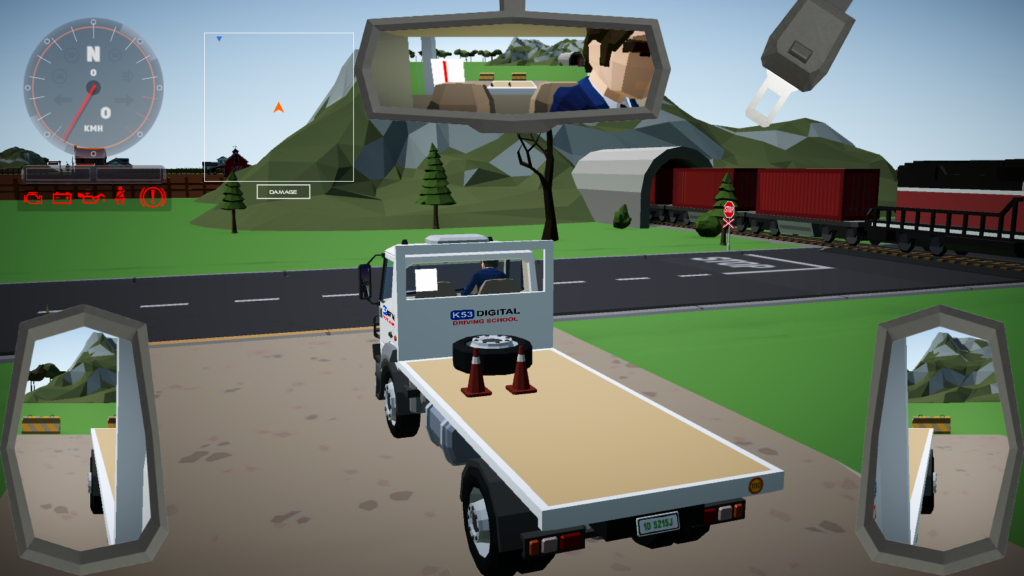
K53 Simulator with rearview mirrors

Explore Our Hardware Compatibility

K53 Simulator grows with you. See how our platform integrates seamlessly with various hardware configurations, offering increasingly realistic and immersive training experiences.


For Driving Schools

Elevate Your Driving School with K53 Simulator

K53 Simulator on a dedicated driving training simulator

Enhance Training, Attract Students, & Boost Efficiency

Offer cutting-edge, realistic K53 training without the risks and costs of on-road lessons. Our simulator solutions provide a safe, repeatable environment for students to master critical skills like parallel parking, three-point turns, and observation techniques before they even touch a real car.

  • Reduce Vehicle Wear & Tear: Less clutch abuse, fewer minor dents.
  • Safer Learning Environment: Practice complex maneuvers without risk.
  • Repeatable Scenarios: Consistent training every time.
  • Attract Tech-Savvy Students: Modernize your offering.
  • Scalable Solutions: From a single rig to a full simulation lab.

Products

Products & Services

ZTE G5TS 5G Router (Like New)

A barely used (as we were about to relocate when it came, and we found fibre connection at our new location) ZTE G5TS 5G router. So it is essentially just like new.

  • May WhatsApp me before (for more info) or after making payment – may also call 076 543 0965
  • PayFast option available (along with EFT to Standard Bank or …

Internet Cafe – Monthly Subscription (6 Months)

    Use the K53 Simulator on your computer system(s) with unlimited monthly students for 6 months. Kindy reach out to us for more information on this.

    Internet Cafe – Monthly Subscription (1 Month)

      Use the K53 Simulator on your computer system(s) with unlimited monthly students for 1 month. Kindy reach out to us for more information on this.

      For Driving Schools – Quarterly Subscription (3 Months)

        Use the K53 Simulator on your computer system(s) with unlimited monthly students for 3 months. Kindy reach out to us for more information on this. Yes, you can get started with the K53 Simulator with just a computer keyboard or gamepad? This is also a great way to give the simulator a production test before upgrading to more vehicle …

        Blog

        Periodic blog posts

        Contact details

        You may contact me directly using the below details

        Registered Address Details

        9045 Zone 1 Ext, Seshego, 0699, South Africa

        Phone details

        Kervin Mathumbu: +2779 813 2555 Mon – Fri, 8:00-18:00

        Contact Us