What K53 Simulator is:
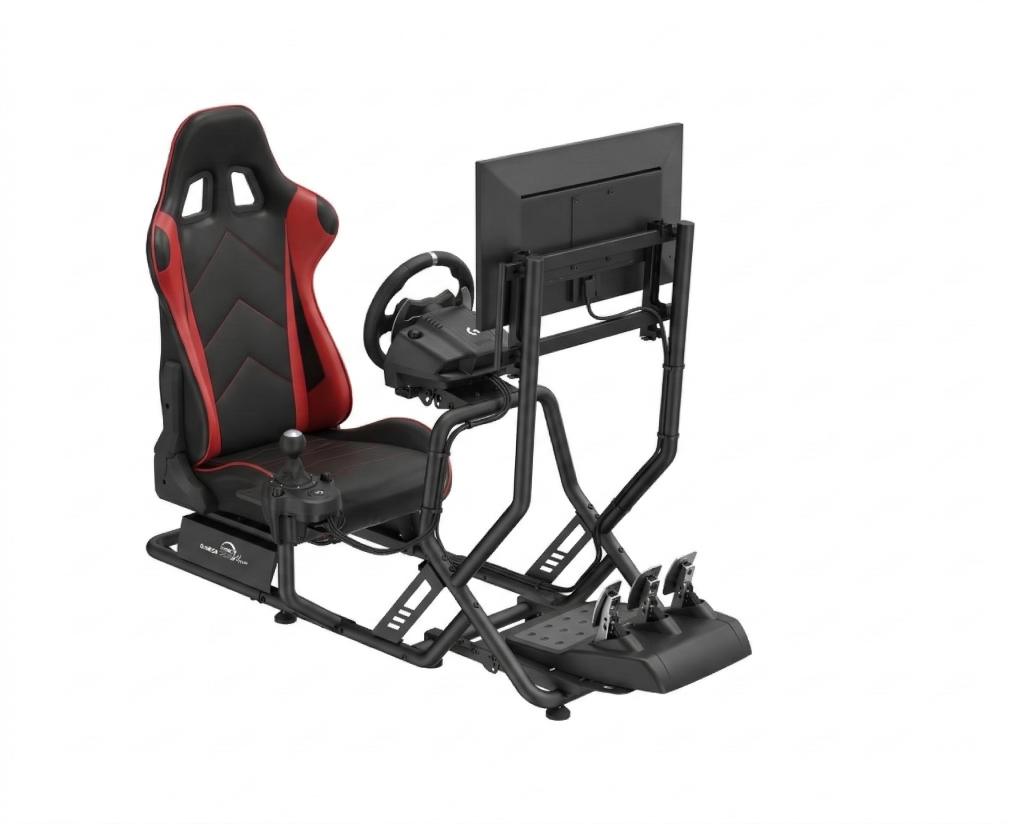
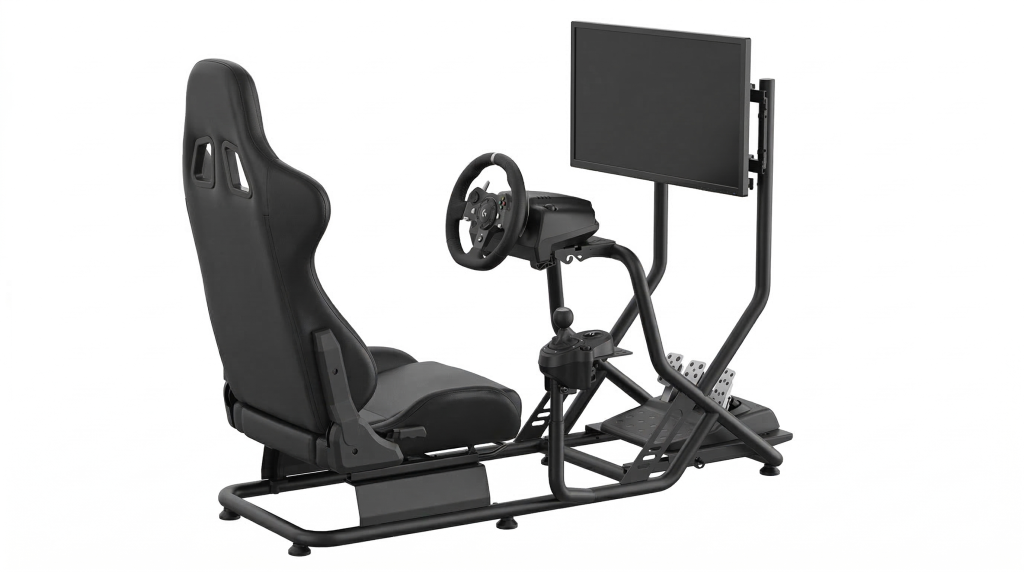
You may think of it as a tool developed to supplement (not replace) K53 Driving training. To, amongst others, solve problems such as learner drivers ending up underinvesting (if at all) in their training due to high on-road training costs. By the way, we now offer quality modular cockpit setups: PassMaster K53 Simulator Range (with lifetime commercial licence).
How schools & instructors can leverage the tool:
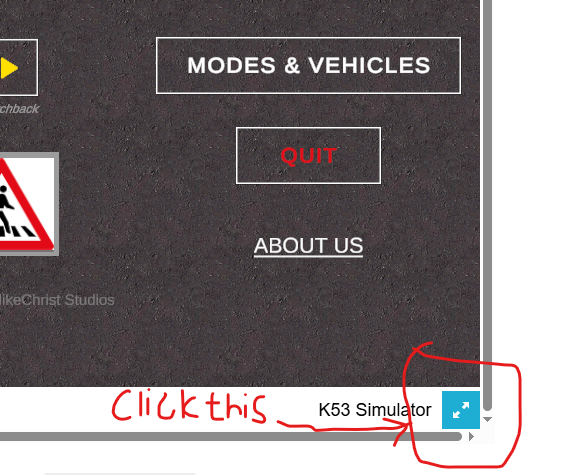
There are few ways in which you can leverage the K53 Simulator as a tool to help boost your students training outcomes and ultimately promote safer South African roads. The simulator is available for both PC and mobile phone.
- Use the simulator to demonstrate basic lessons to your students in realtime without needing to get into a vehicle.
- Encourage those who can upgrade themselves to download and practice with the simulator at home between real car lessons on PC or phone
- Purchase bulk lifetime unlock codes at drivings schools discount and distribute to your students for free or at a markup.
- Subscribe to and run the K53 Simulator schools edition on your computer(s) (or ever your Android phone) and let considerate/inclined students practice at your facility at a pre-bundled fee or as a value-added service. This allows you to choose from simple controls like keyboard, phone touch and gamepad/joystic to more advance ones like steering wheel, shifter and pedal kits. And thereby, amongst others, have students practise crucial skills like 3/5-point observation or pull-push even when not near a real car. Making it easier for you to help your students to get their licence the right way (towards safer South African roads). An example of our modular setups: