Enhance Your Pass Rates & Save on Fleet Costs with Minimal Investment
As a driving school owner, you know that the “yard” is where students struggle the most—and where your clutch plates suffer the most. What if you could offer unlimited yard practice and K53 procedural drills without burning a drop of fuel or risking a single fender bender?
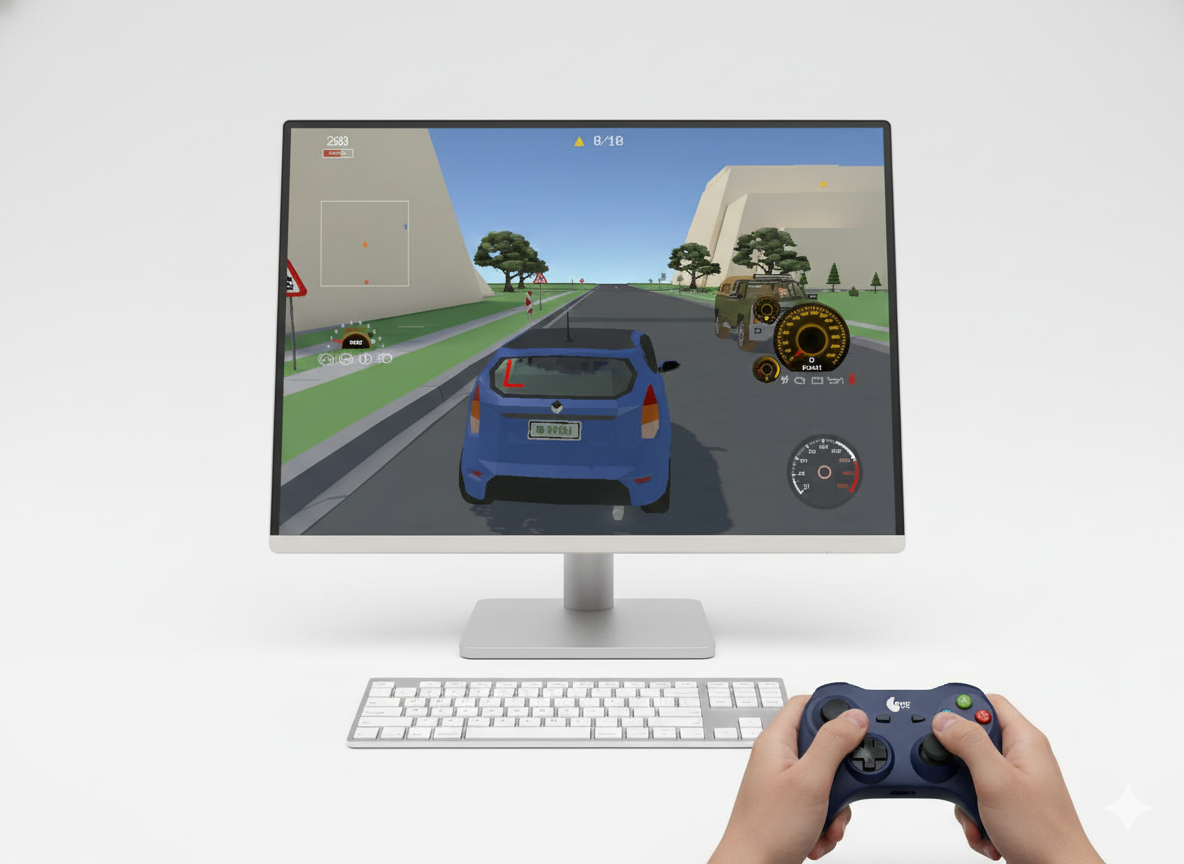
You don’t need expensive racing cockpits or high-end gaming PCs. All you need is a basic office computer and a simple Gamepad or controller.
The “Lite” Simulator Setup
Most people assume simulation training requires a R50,000 rig. That’s a myth. The K53 Simulator is optimised to run efficiently on standard laptops and desktop computers.
By adding a Gamepad (around R370 with shipping), you can unlock a training tool that is surprisingly precise for learning vehicle controls, steering methods, and observation checks.
Why a Joystick?
- Analogue Precision: Unlike a keyboard, a joystick allows for smooth steering input and , mimicking the gradual turn of a real steering wheel.
- Cost-Effective: It costs a fraction of a steering wheel kit but offers significantly better control than a mouse and keyboard.
- Space Saving: No bulky equipment. It sits on a desk and can be stored in a drawer when not in use.
Benefits for Your Driving School
1. Slash Your Fuel & Maintenance Costs
Every hour a student spends mastering the Parallel Park on the simulator is an hour your real car isn’t idling, burning petrol, or wearing out its clutch. Move the repetitive “mechanics” of parking to the virtual world and use your road lessons for actual traffic experience.
2. Create a “Pre-Lesson” Warm-Up
Have students arrive 15 minutes early to run through a virtual yard test. They get into the “K53 mindset” (checking mirrors, observing blind spots) before they even get into your car. This makes your in-car time more productive.
3. Differentiate Your Business
Stand out from the competition. Being the school that offers “Virtual K53 Prep” makes you look modern, professional, and invested in your student’s success. It appeals to tech-savvy learners and nervous beginners alike.
4. Additional Revenue Stream
Offer “Sim Sessions” as a lower-cost package add-on. Students can pay a small fee to practice tricky manoeuvres for an hour on the computer—revenue that requires zero instructor active time once set up.
What Can Students Practice?
Using just the joystick and computer, students can master the mental and procedural aspects of the K53:
- The Yard Test: Perfect the steps for Parallel Parking, Alley Docking, and the Three-Point Turn without the stress of hitting a pole.
- Observation Drills: Build the muscle memory for “Mirror-Blindspot-Signal” sequences.
- Incline Start: Understand the procedure of the handbrake release and pedal coordination visually before trying it physically.
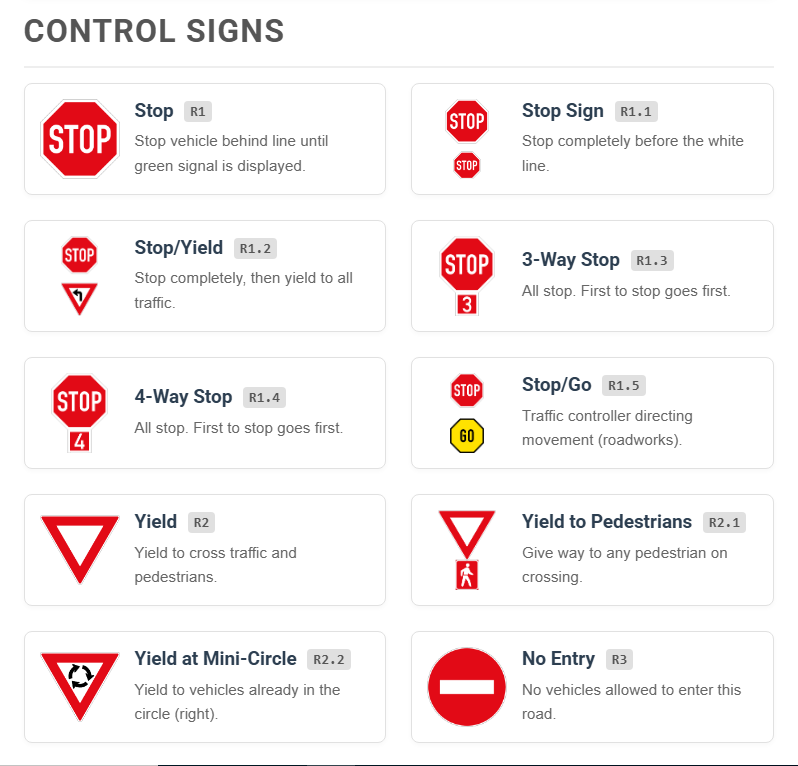
- Rules of the Road: Navigate virtual streets populated with South African road signs and markings to test their knowledge in real-time.
How to Get Started
You likely already have the computer. The software is ready. The hardware is affordable.
- Download the K53 Simulator for PC.
- Plug in any standard USB Gamepad.
- Start Training your students in a risk-free environment.